html-elements
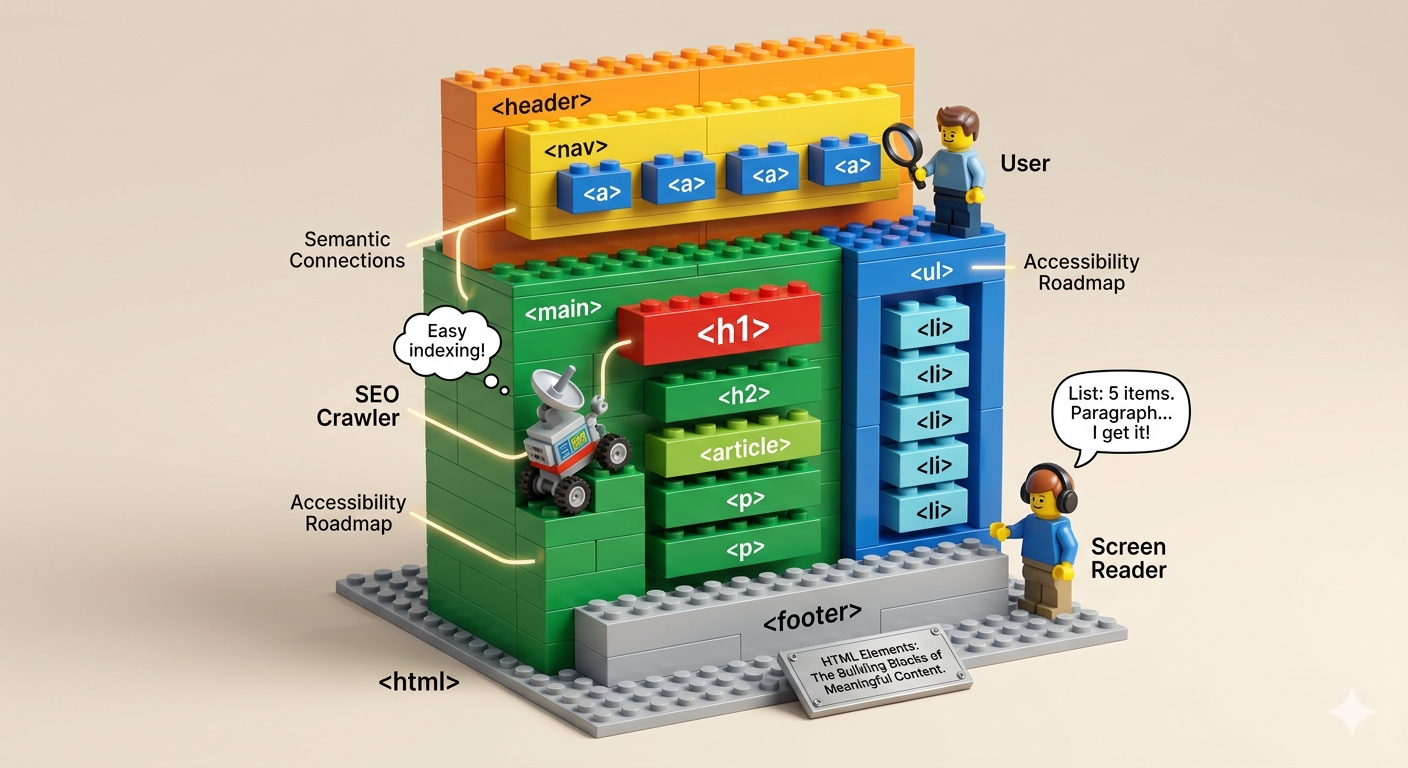
- <html>
- Root element wrapping the entire document.
- <head>
- Contains metadata, links, and scripts (not visible).
- <body>
- Holds all visible page content.
- <main>
- The primary content area (one per page)
- <header>
- Intro section for a page or section (logo, title).
- <nav>
- Navigation links/menu.
- <section>
- Thematic grouping of related content.
- <article>
- Independent, reusable content (blog post, card).
- <aside>
- Sidebar or secondary content.
- <footer>
- Bottom section (copyright, links).
- <div>
- Generic block container for layout/styling.
- <span>
- Inline container for small text styling.
- <figure>
- Groups media like images or charts.
- <figcaption>
- Caption for a <figure>.
- <details>
- Expandable/collapsible content block.
- <summary>
- Title/label for <details>.
- <form>
- Wraps a group of user inputs.
- <fieldset>
- Groups related form controls.
- <legend>
- Title for a <fieldset>.
- <label>
- Describes an input field (improves accessibility).
- <iframe>
- Embeds another webpage or external content.
- <embed>
- Embeds external resources (less common now).
- <object>
- Embeds media like PDFs or plugins.
- <title>
- Sets the browser tab title.
- <meta>
- Provides metadata (charset, viewport, etc.).
- <link>
- Links external resources (CSS, icons).
- <style>
- Internal CSS styling.
- <script>
- Adds JavaScript to the page.
- <time>
- Represents dates/times in a machine-readable way.
- <mark>
- Highlights important text.